About
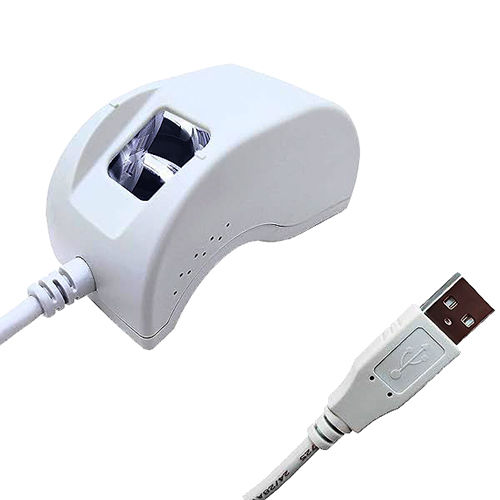
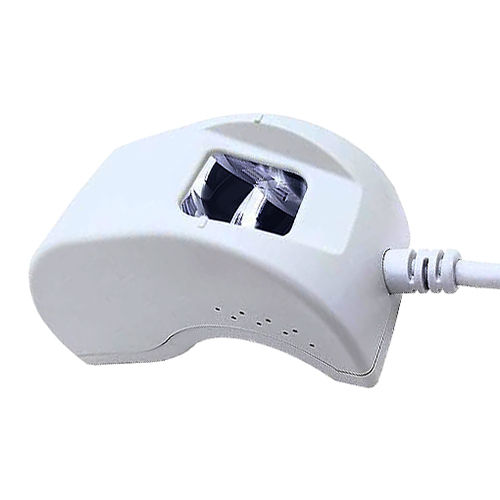
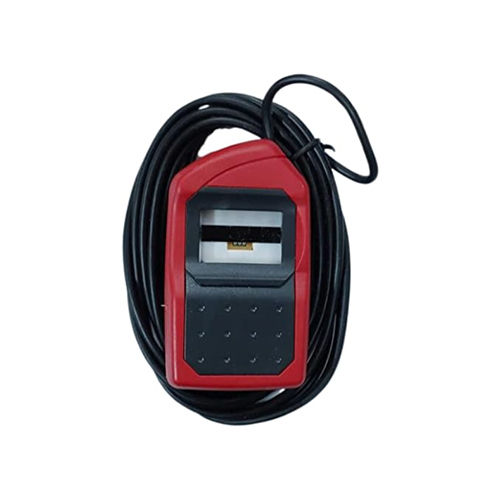
Mantra MFS100 Single Fingerprint Scanner is a high-performance biometric device designed for accurate and secure identification. Equipped with an optical fingerprint sensor and STQC certification, it ensures reliable and high-resolution scanning suitable for government and commercial applications. With USB 2.0 connectivity, this portable and easy-to-use device delivers fingerprint images in ISO format, making it compatible with a wide range of biometric systems. Powered directly through USB, it eliminates the need for external power supply and is ideal for use in Aadhaar authentication, banking security, attendance management, and other identification solutions.
FAQs of Mantra MFS100 Single Fingerprint Scanner
Q: What is the main use of Mantra MFS100 Single Fingerprint Scanner?
A: It is primarily used for biometric authentication in Aadhaar verification, eKYC, banking, and attendance management systems.
Q: How is the device powered?
A: The scanner is USB powered, so no external power supply is required.
Q: What is the scanning technology used in this device?
A: It uses advanced optical fingerprint sensing technology for high-resolution image capture.
Q: Is the Mantra MFS100 certified for government use?
A: Yes, it is STQC certified, which makes it reliable for government and UIDAI-based applications.
Q: Can this fingerprint scanner be easily carried and installed?
A: Yes, it is lightweight, portable, and can be used on any desktop or laptop with USB connectivity.
High-Resolution Optical ScanningThe Mantra MFS100 employs advanced optical fingerprint sensor technology for capturing clear, detailed biometric data. The sensor is STQC certified, ensuring high standards for quality and security in identification processes. This makes it suitable for official and sensitive applications where accurate verification is critical.
Versatile Mounting and ConnectivityDesigned for ease of use and flexibility, the MFS100 supports both portable and tabletop setups. Its USB 2.0 connectivity ensures a hassle-free installation and stable performance across various operating systems. The device draws power directly from the USB port, eliminating the need for separate power supplies.
FAQs of Mantra MFS100 Single Fingerprint Scanner:
Q: How do I install and use the Mantra MFS100 Single Fingerprint Scanner?
A: Simply connect the MFS100 scanner to your computer using a USB 2.0 port. Install the compatible biometric software and drivers provided by Mantra. Once set up, you can use the device for fingerprint registration, verification, or attendance logging.
Q: What benefits does STQC certification offer for this fingerprint scanner?
A: STQC certification ensures that the scanner meets stringent security and quality standards set by the Government of India. This high level of certification provides assurance for use in government, banking, and corporate applications requiring reliable bio-authentication.
Q: Where can this device be deployed, and who are the typical users in India?
A: The Mantra MFS100 can be deployed in offices, banks, schools, and government agencies. Distributors, exporters, importers, manufacturers, service providers, suppliers, and traders across India use it for secure identity verification and attendance management.
Q: What output formats are supported by the scanner for biometric integration?
A: The Mantra MFS100 outputs fingerprint images in ISO formats, which makes it highly compatible with various biometric systems used for identification, verification, and record-keeping.
Q: When is this fingerprint scanner most effective in use?
A: It is most effective during high-traffic identity verification scenarios, such as attendance tracking, secure access control, or government enrolment programs where accuracy and speed are essential.
Q: What is the process for capturing and verifying a fingerprint with this device?
A: Place your finger on the scanners sensor surface. The device captures a high-resolution image and instantly processes it through the connected software for registration or verification, ensuring minimal delay and high accuracy.
Q: How does the USB-powered feature benefit users?
A: Being USB-powered allows for easy portability and rapid setup without needing additional power adapters. This helps users deploy the device in any suitable location with a computer, facilitating flexible and mobile biometric operations.


 08045804513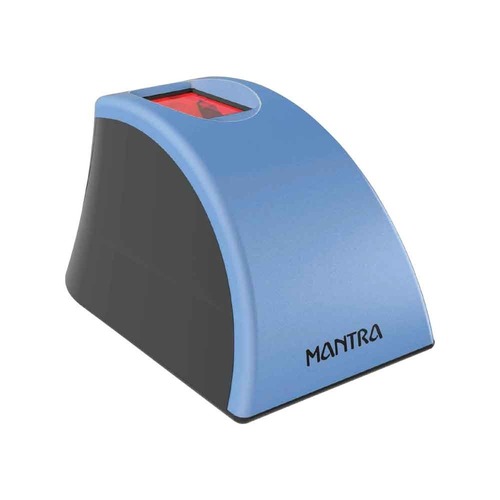



 जांच भेजें

 जांच भेजें


 जांच भेजें
 एसएमएस भेजें
 मुझे निःशुल्क कॉल करें